Step 1
Navigate to the Schema Markup Playground page, and click the Guest button. Click the Sign in link.
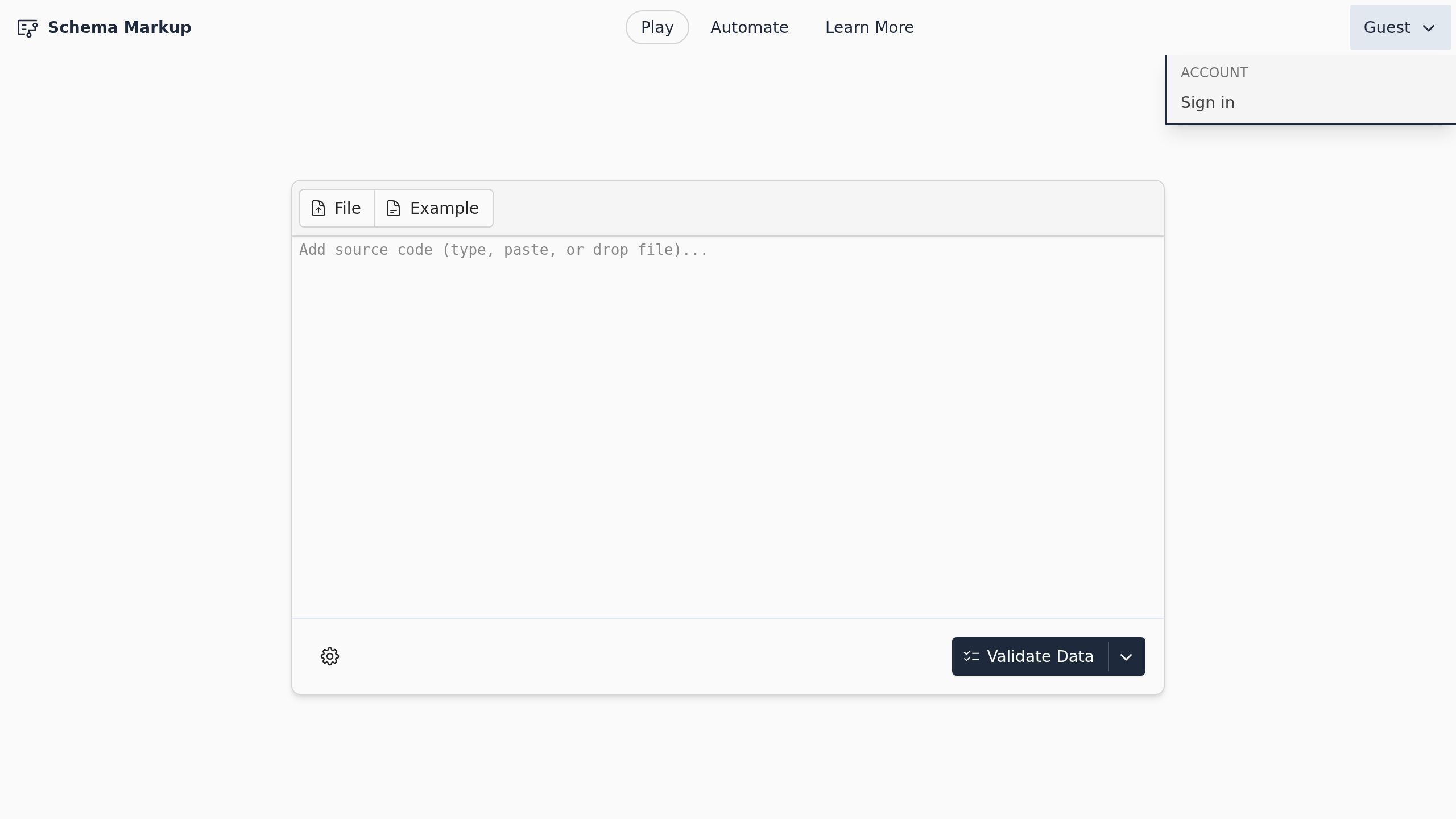
Screenshot with the Sign in link
Step 2
Click the Register link.
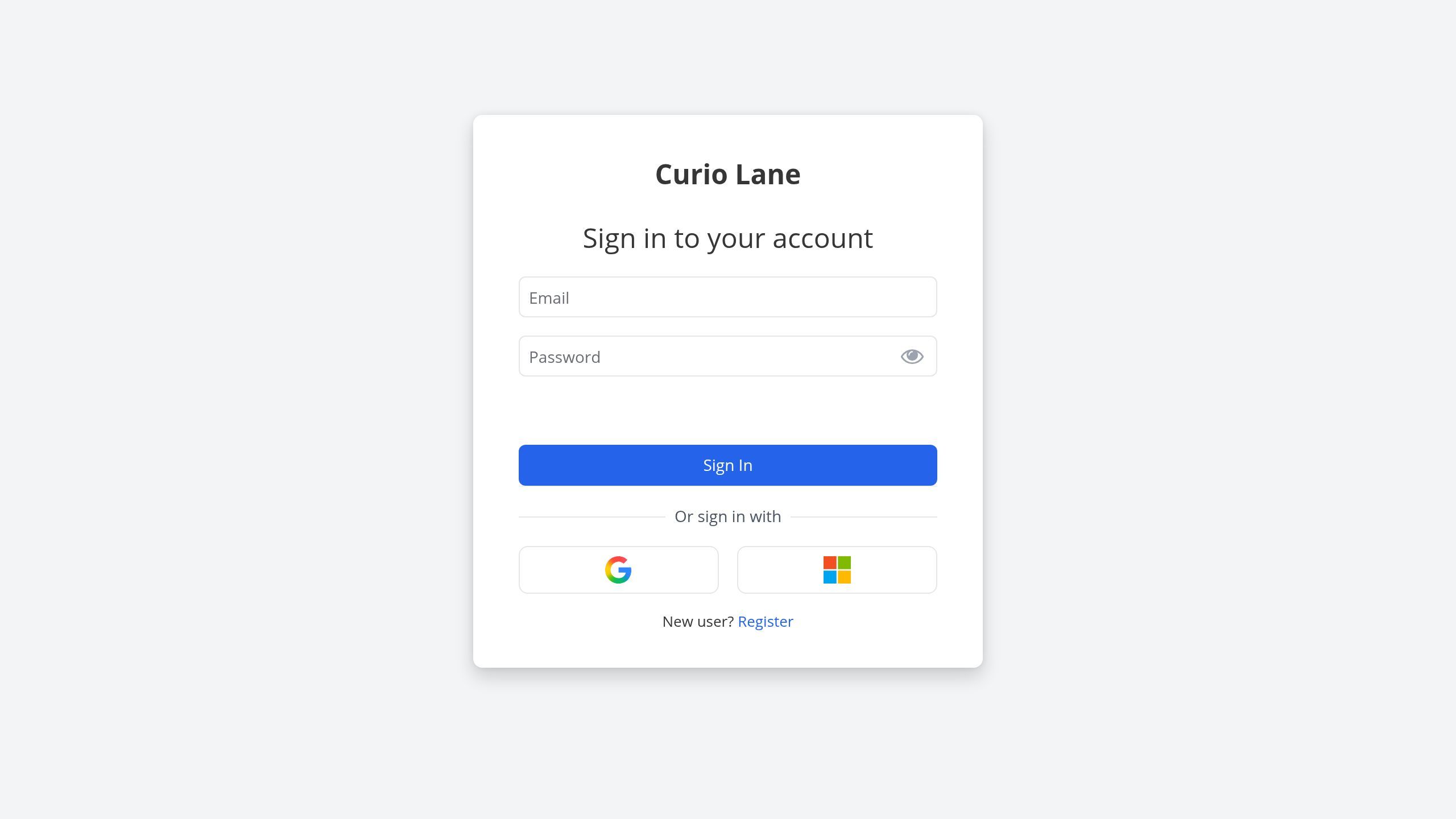
Screenshot with the Register link
Step 3
Fill the email address you want to use for signing in, a secure password, and your name. Click the Register button.
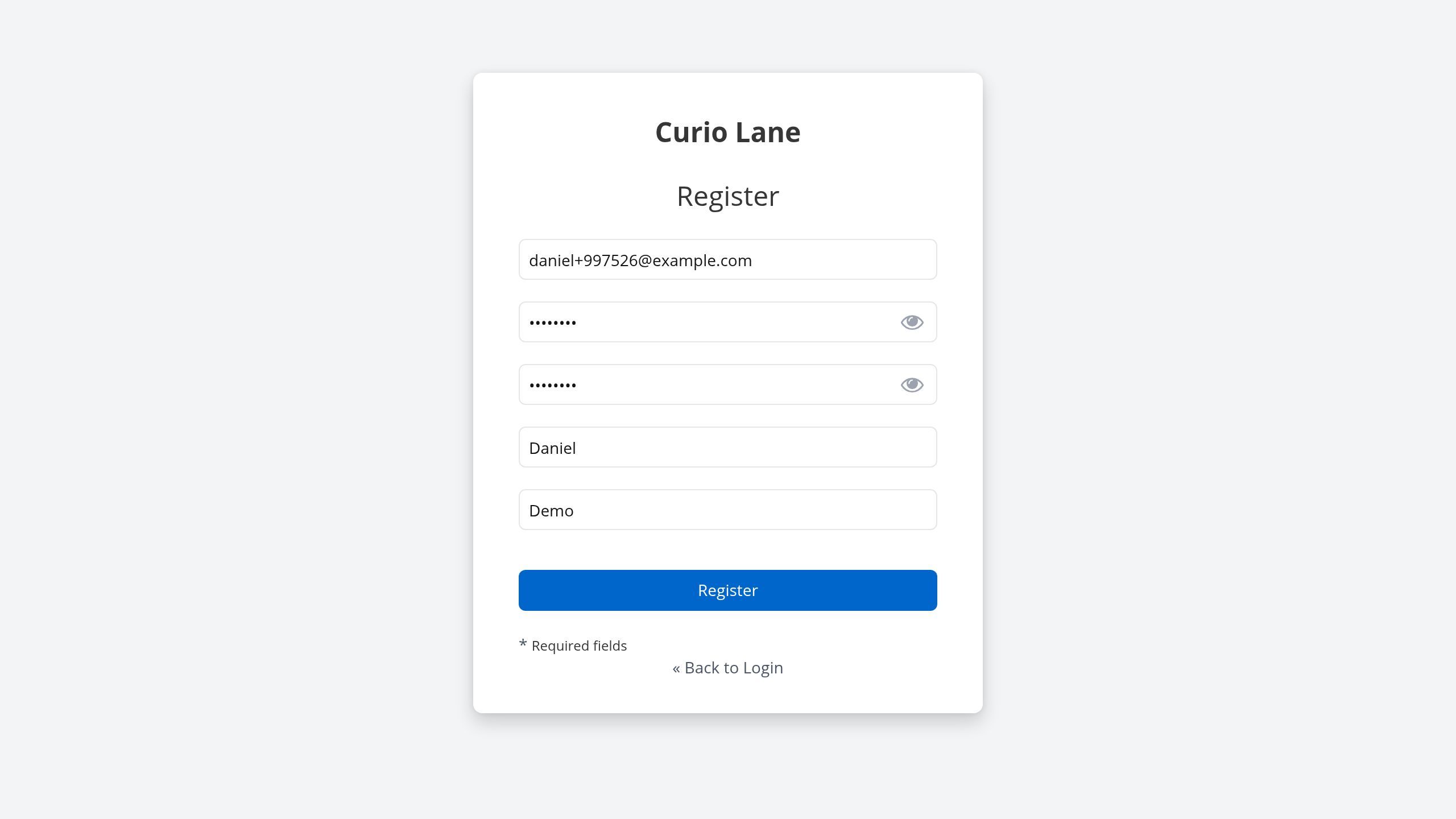
Screenshot with the Register button
Step 4
Check your email and watch for a Verify email message from support@curiolane.com. Open the message, and click the Link to e-mail address verification link.
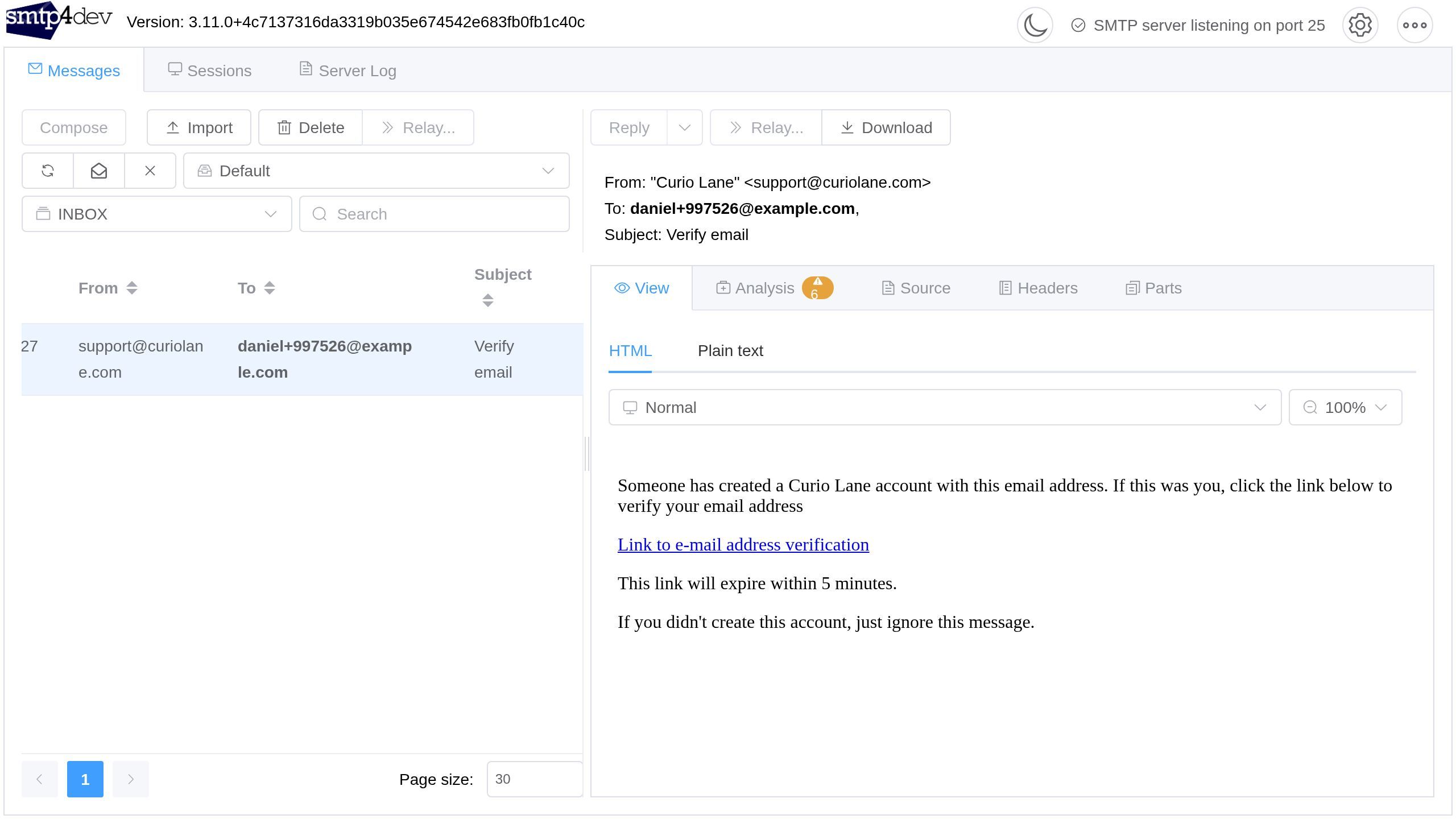
Screenshot with the Link to e-mail address verification link
Step 5
After following the verification link, you will be redirected and logged in to your new account
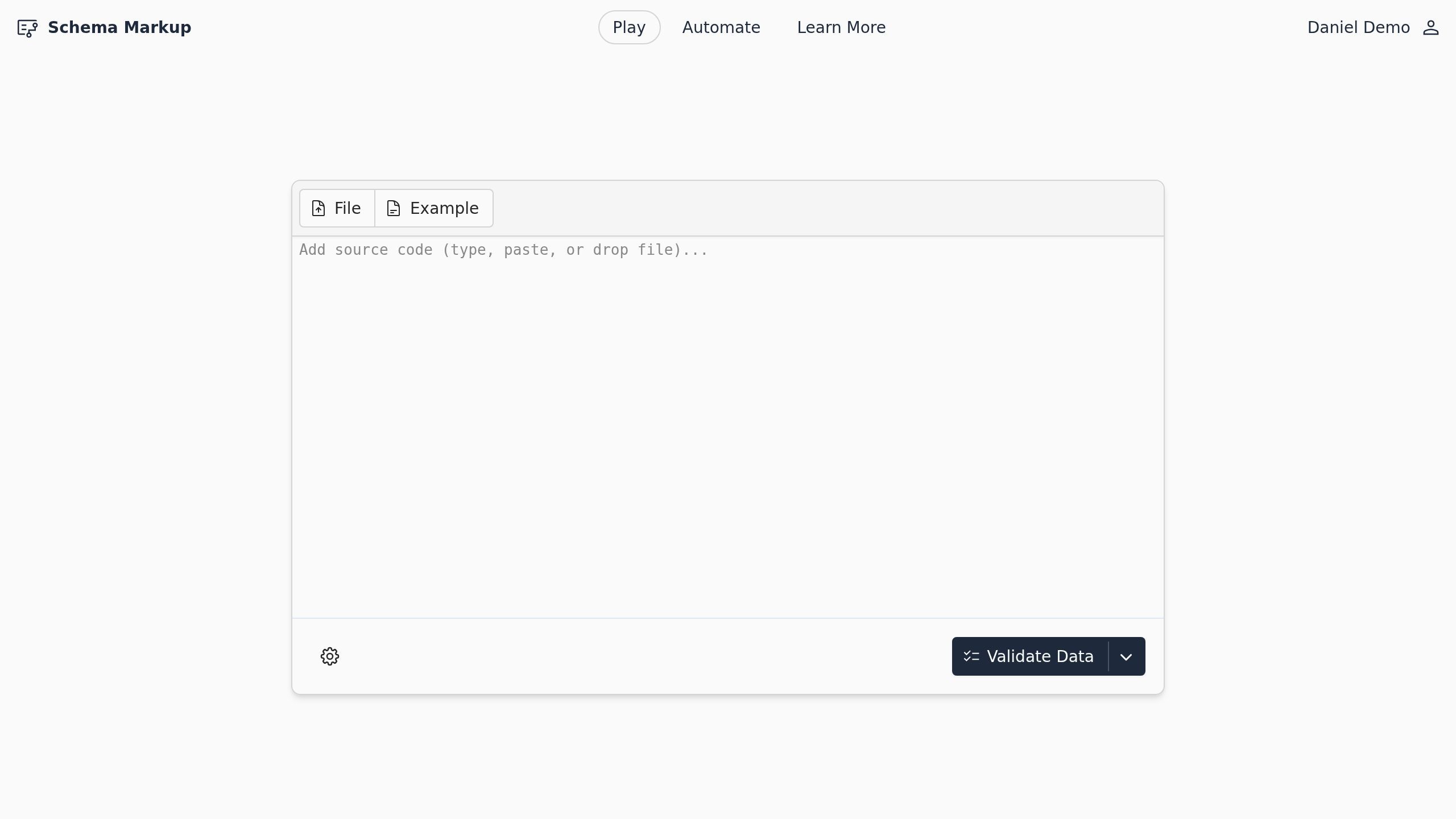
Screenshot of the Schema Markup Playground page.