Click the File button, drag-and-drop a local file, or paste into the Code Editor textbox. Click the Apply button.
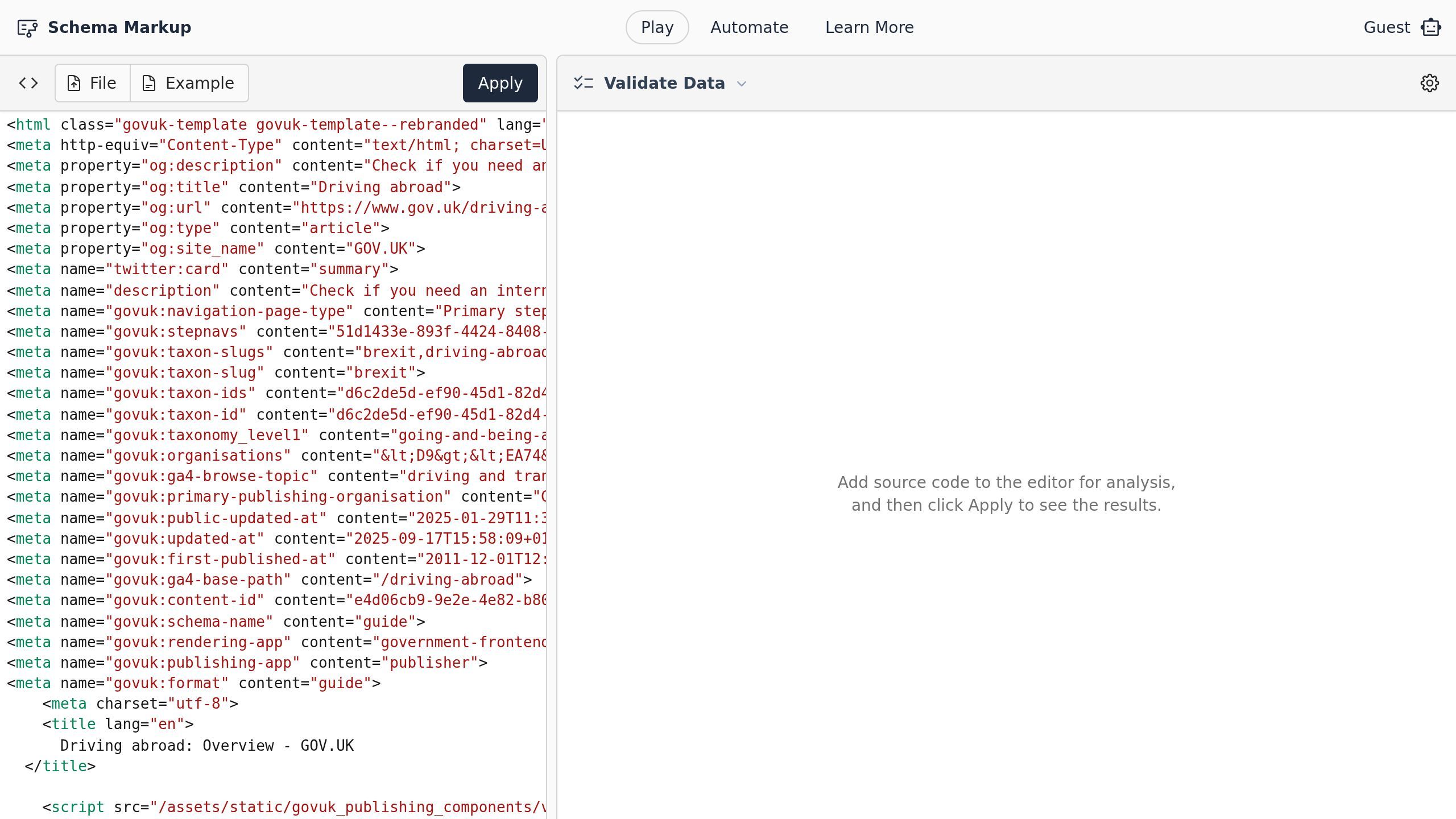
Screenshot with the Apply button
Once processed, you can review all resources found in the document. Small badges below the resource names indicate any nested validation messages and the resource's class names.
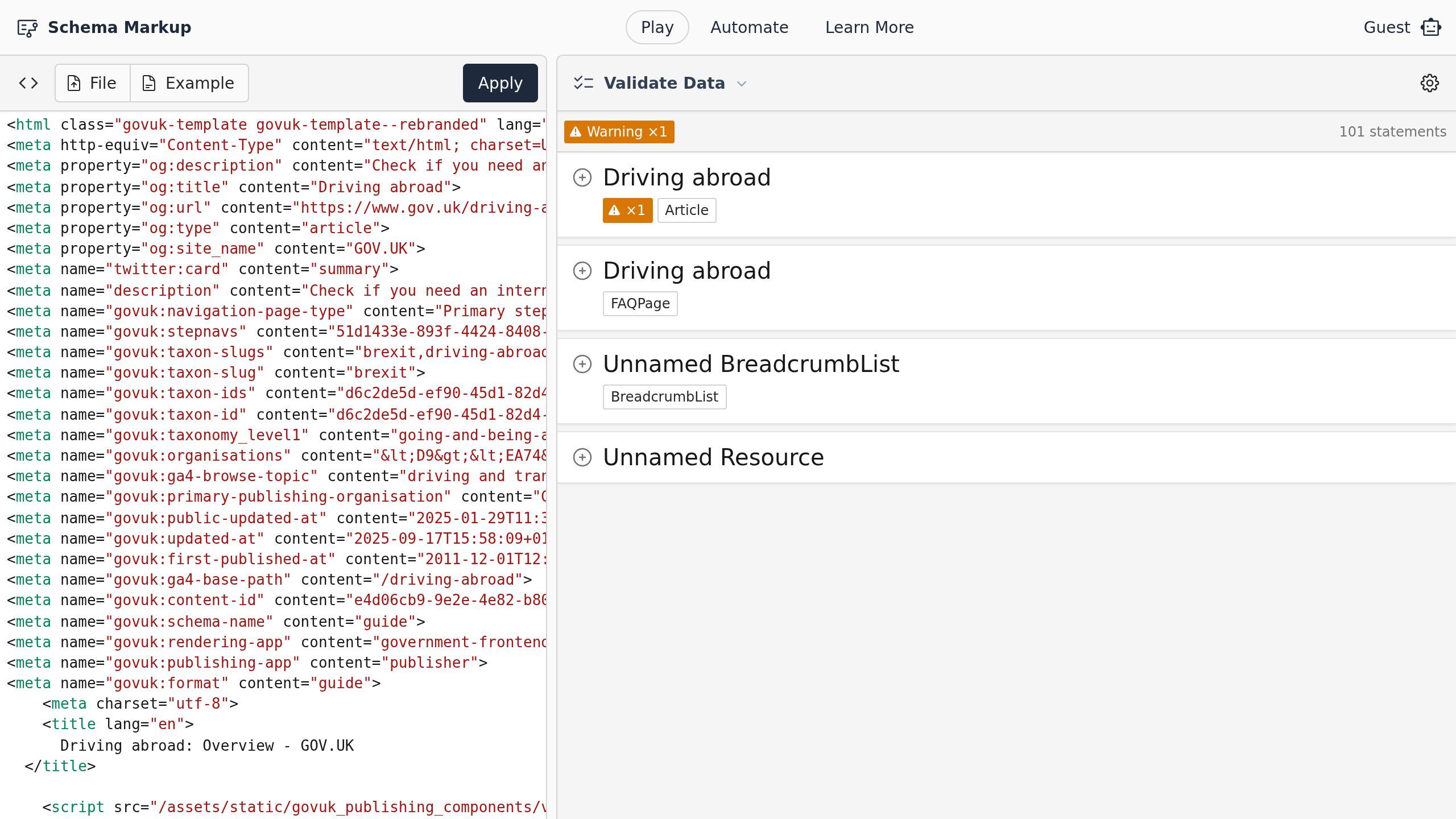
Screenshot of the Validate Data | Schema Markup page.
To see more details about messages, statements, and metadata, Click the Expand button.
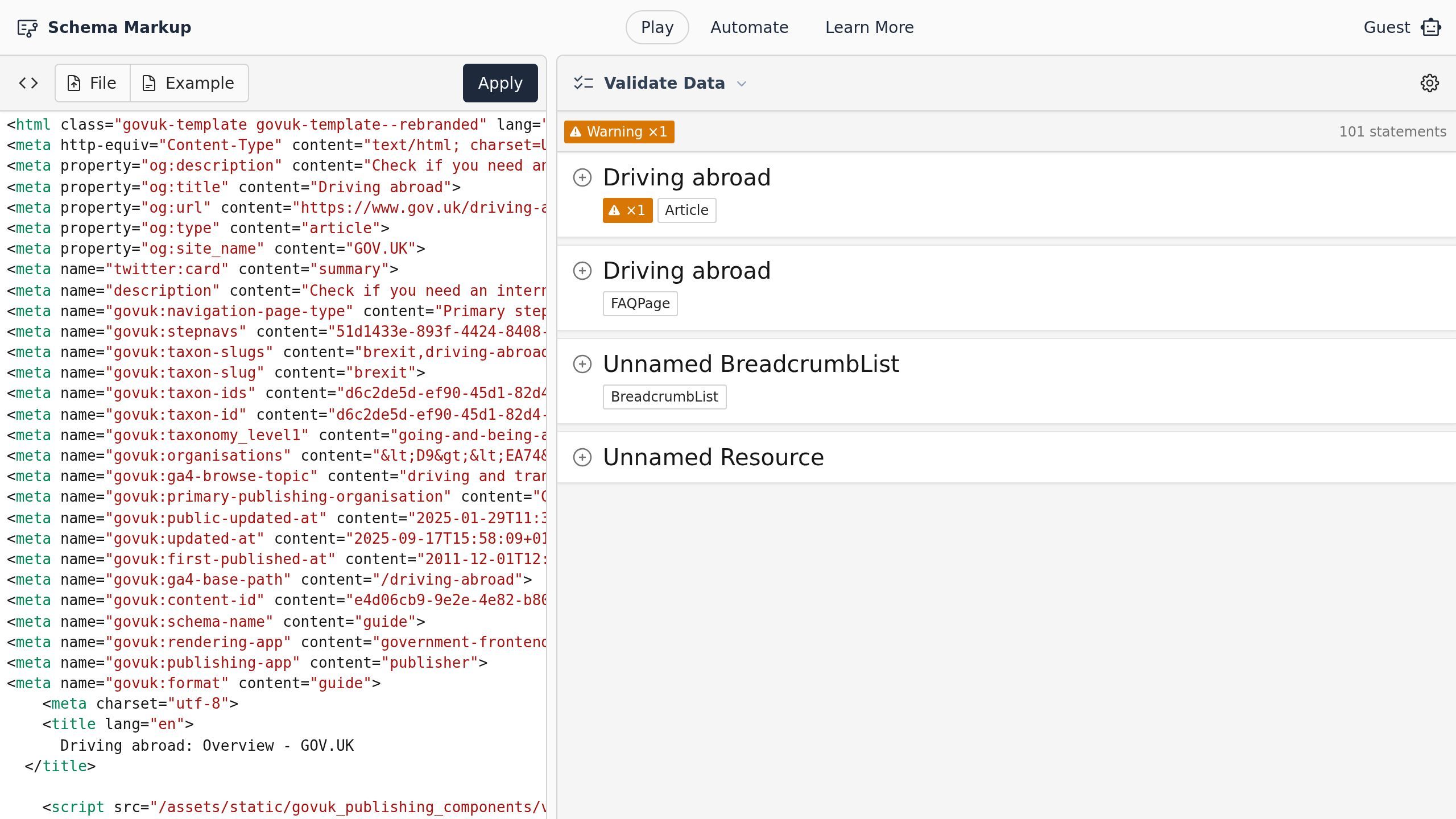
Screenshot with the Expand button
Click on any property row to highlight the associated element in the source document.
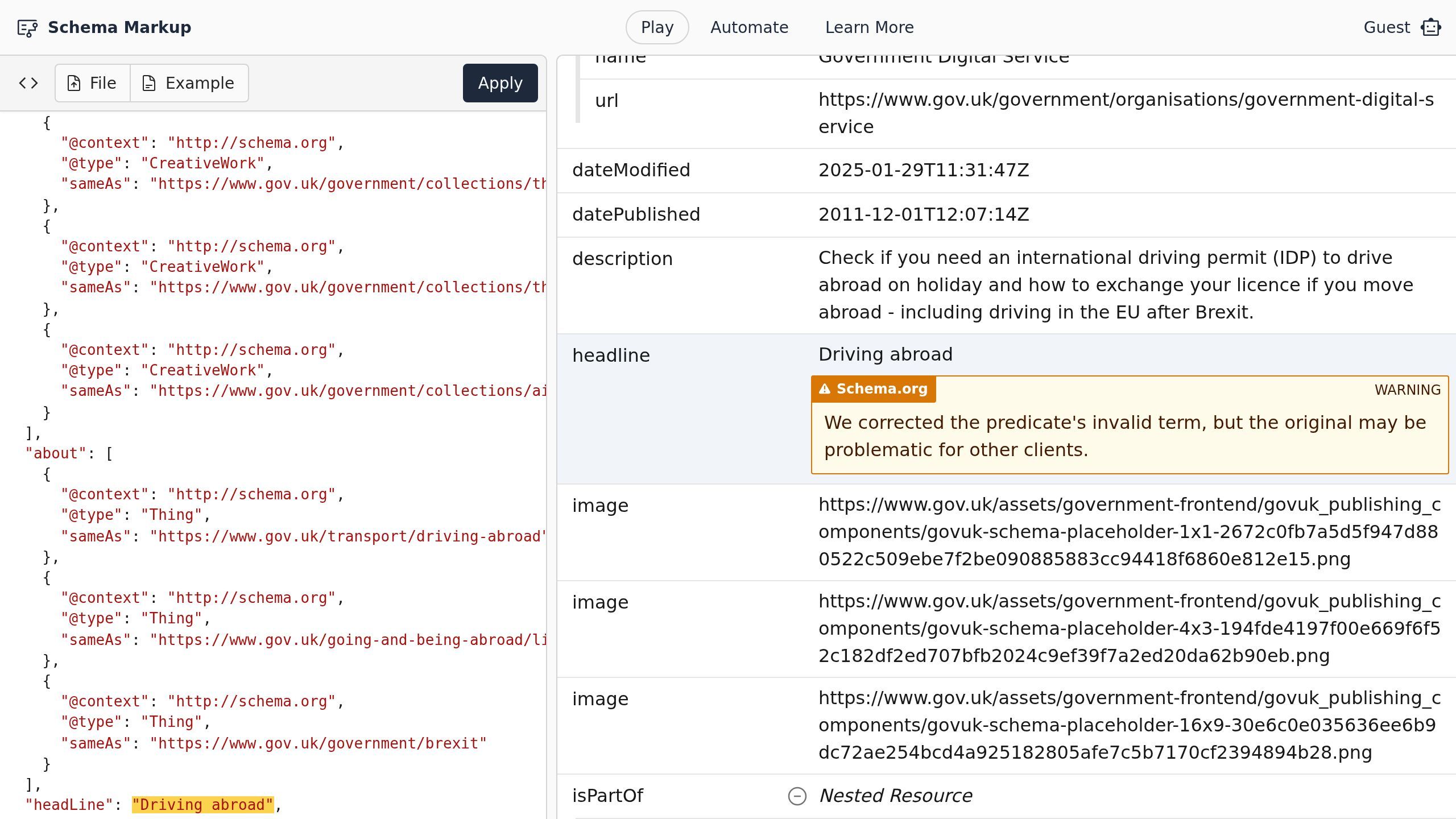
Screenshot of the Validate Data | Schema Markup page.
To adjust the transformation and validation behaviors, Click the Advanced Settings button. Once configured, click the Apply Changes button.
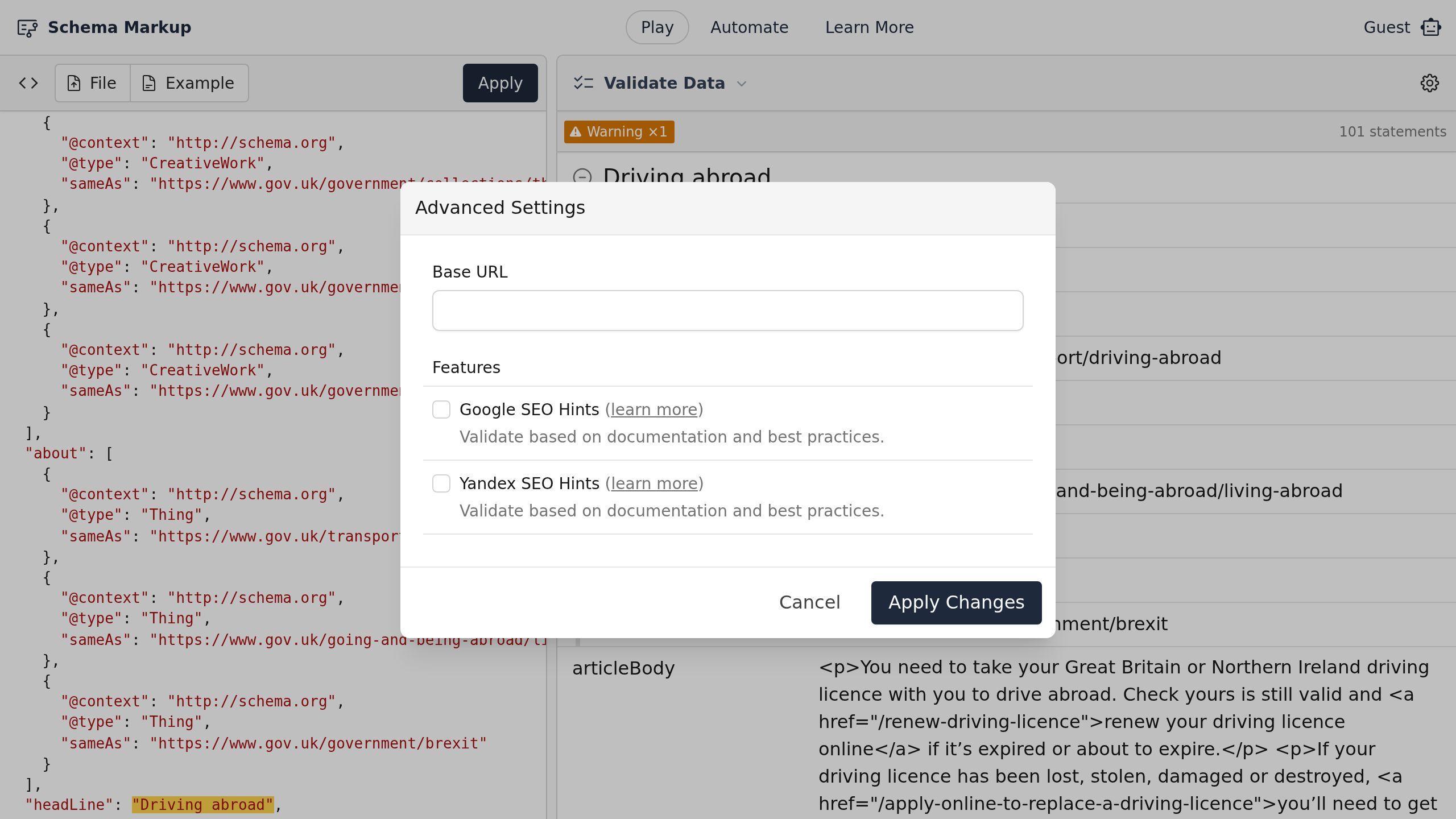
Screenshot with the Apply Changes button